Teachers
Annotate slides, highlight key concepts, and draw diagrams as you explain them to your students.
Sketch diagrams, circle key ideas, and write notes in your own hand, live in your videos and classes.

Works with any tablet or iPad as your drawing surface
Looking for a quick way to scan QR codes in your region - try the built-in QR code scanner available closest to you!
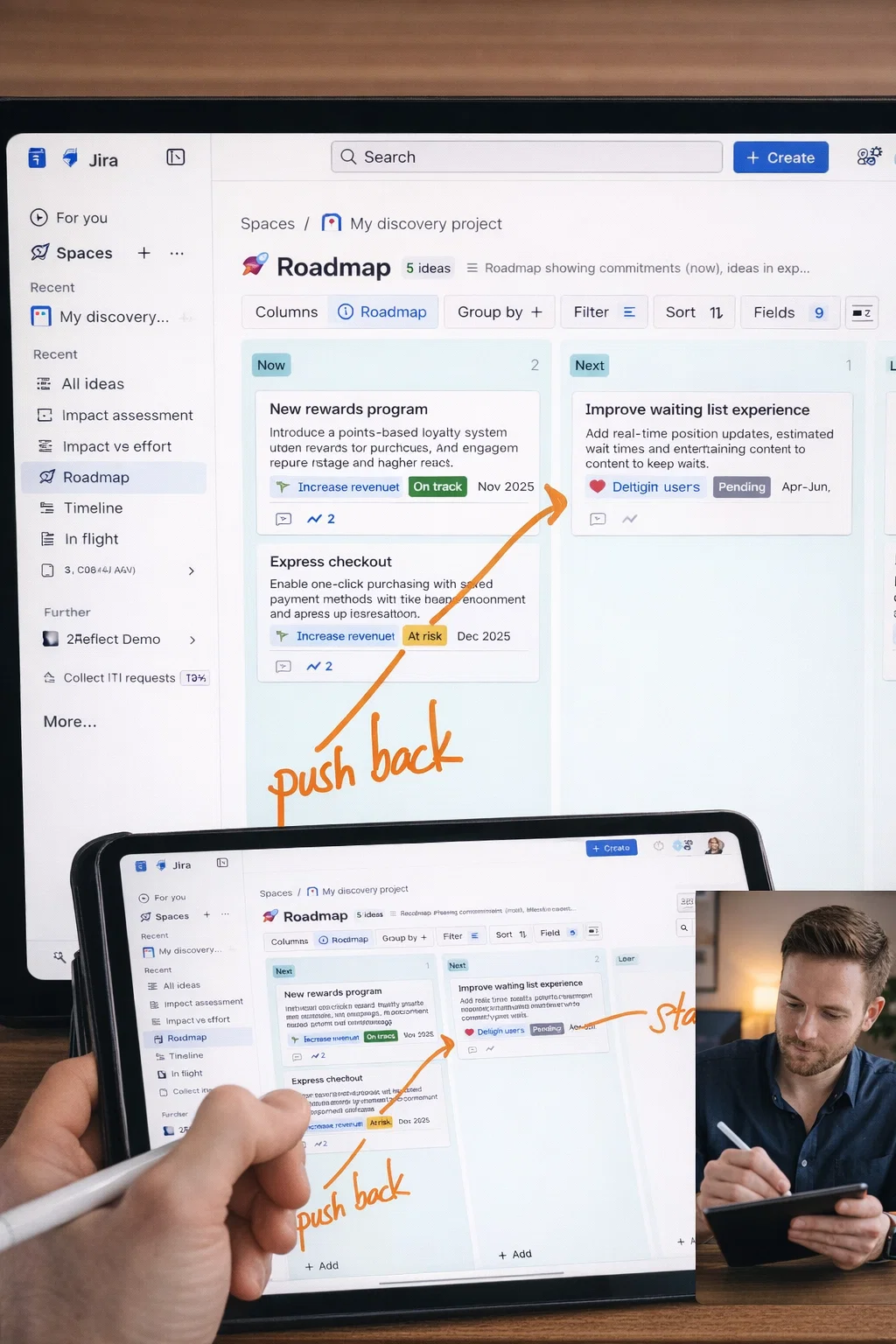
Draw, annotate, and guide your audience through complex ideas
Annotate slides, highlight key concepts, and draw diagrams as you explain them to your students.
Make your tutorials more engaging by drawing arrows, boxes, and notes right on screen.
Circle important code blocks, draw flow diagrams, and explain architecture during pair programming.
Guide clients through processes, highlight action items, and create visual clarity in sessions.
Use your tablet or iPad as a natural drawing surface. Sketch directly over your screen share in Zoom, Teams, Meet, or any video platform. Your audience sees every stroke in real time.
Download from the Windows Store and start teaching like it's real